
Track Team Timer
Races and field events, one phone.
A track meet happens everywhere at once — heats of the 100, a long jump pit, a 4x400 anchor leg. Track Team Timer helps you run heats back-to-back, records every field attempt, and keeps per-leg relay splits.
See it in action

Timing
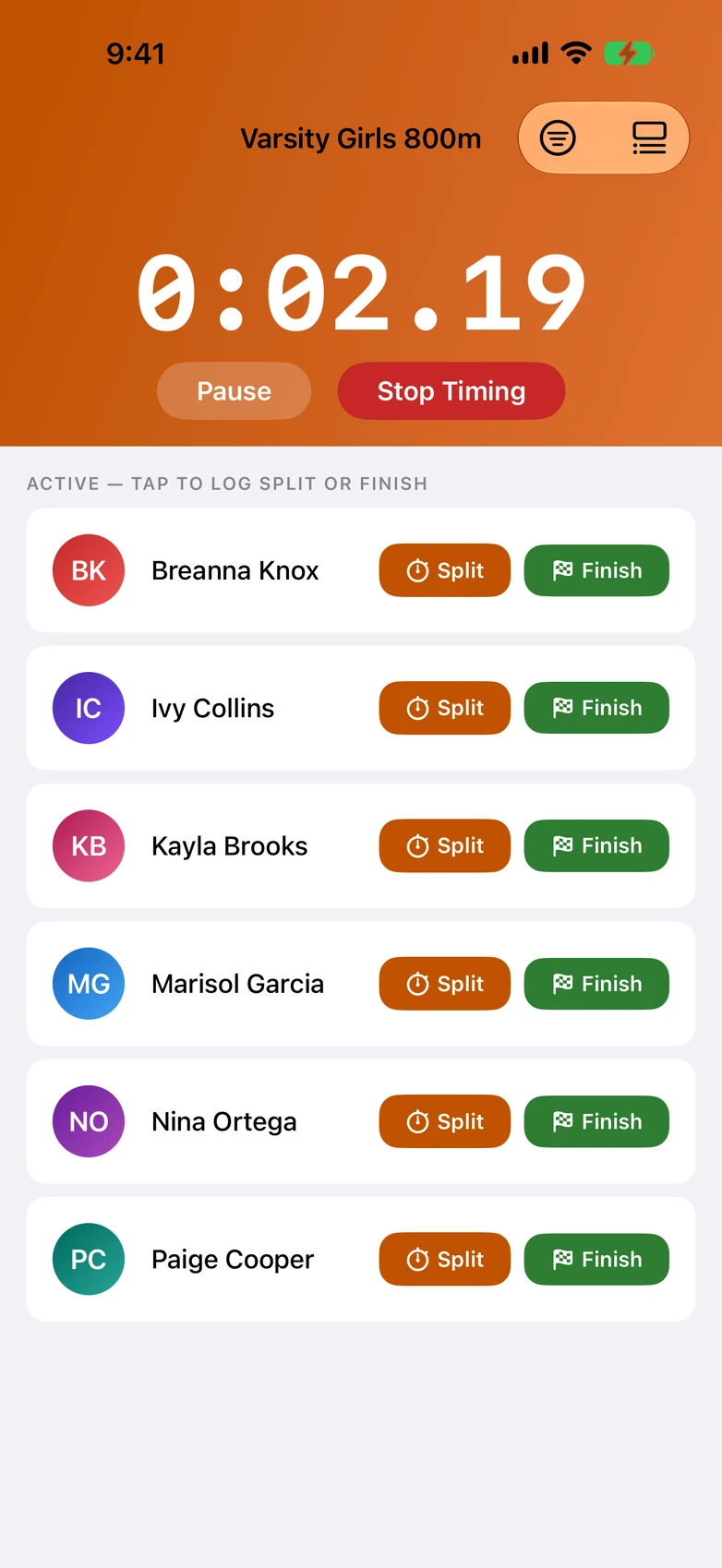
- Live race timer, per-athlete splits
- Time an entire pack with one thumb — every athlete gets their own splits.
- Group start and stagger start
- Gun starts and staggered individual starts, both one tap away.
- Bulk time entry
- Enter results after the race when you weren't the one holding the watch.
- Lock Screen Live Activity
- The race clock stays on your Lock Screen — no unlocking mid-race.
- The timer survives interruptions
- A phone call mid-race won't lose your times.
Track & field
- Field events
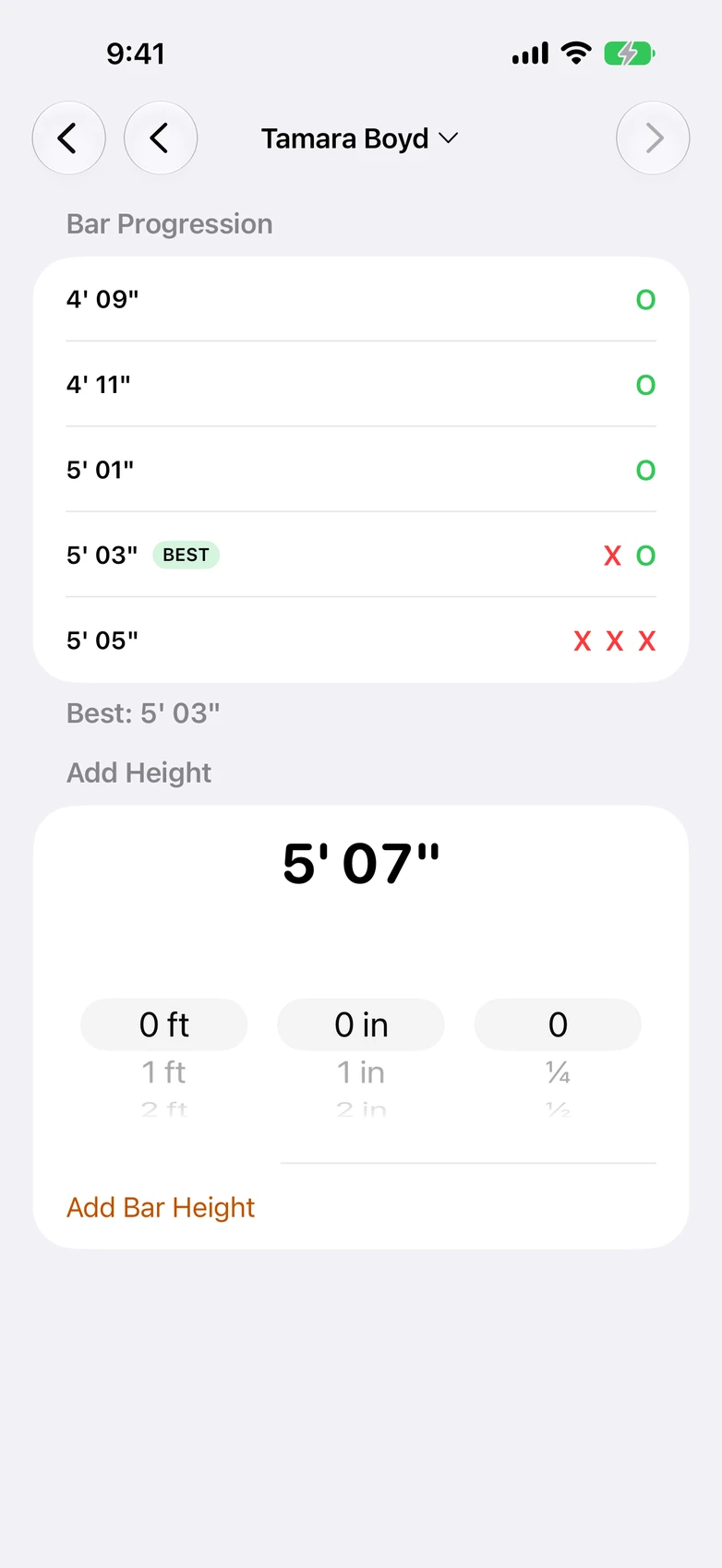
- Shot, discus, jumps, and vault with per-attempt marks and official countback ranking.
- Mark entry wheels
- Feet-and-inches entry that feels like setting an alarm, not doing math.
- Relays
- Relay timing with per-leg splits and a relay-leg leaderboard.
- Heat mode
- Run event heats back-to-back — one combined leaderboard, zero re-setup.
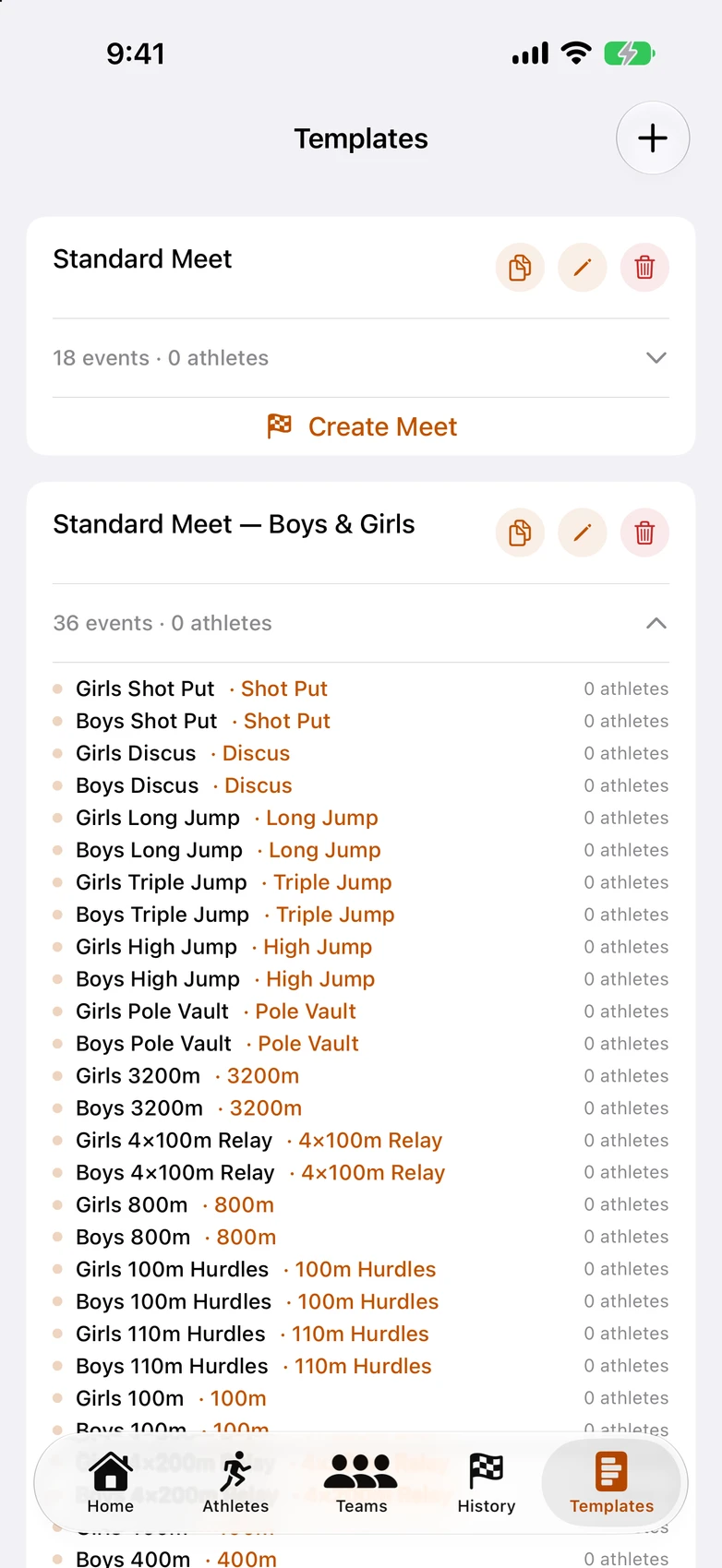
- Standard meet order
- One tap builds your standard meet with events pre-ordered the way real meets run.
Roster
- Athlete roster
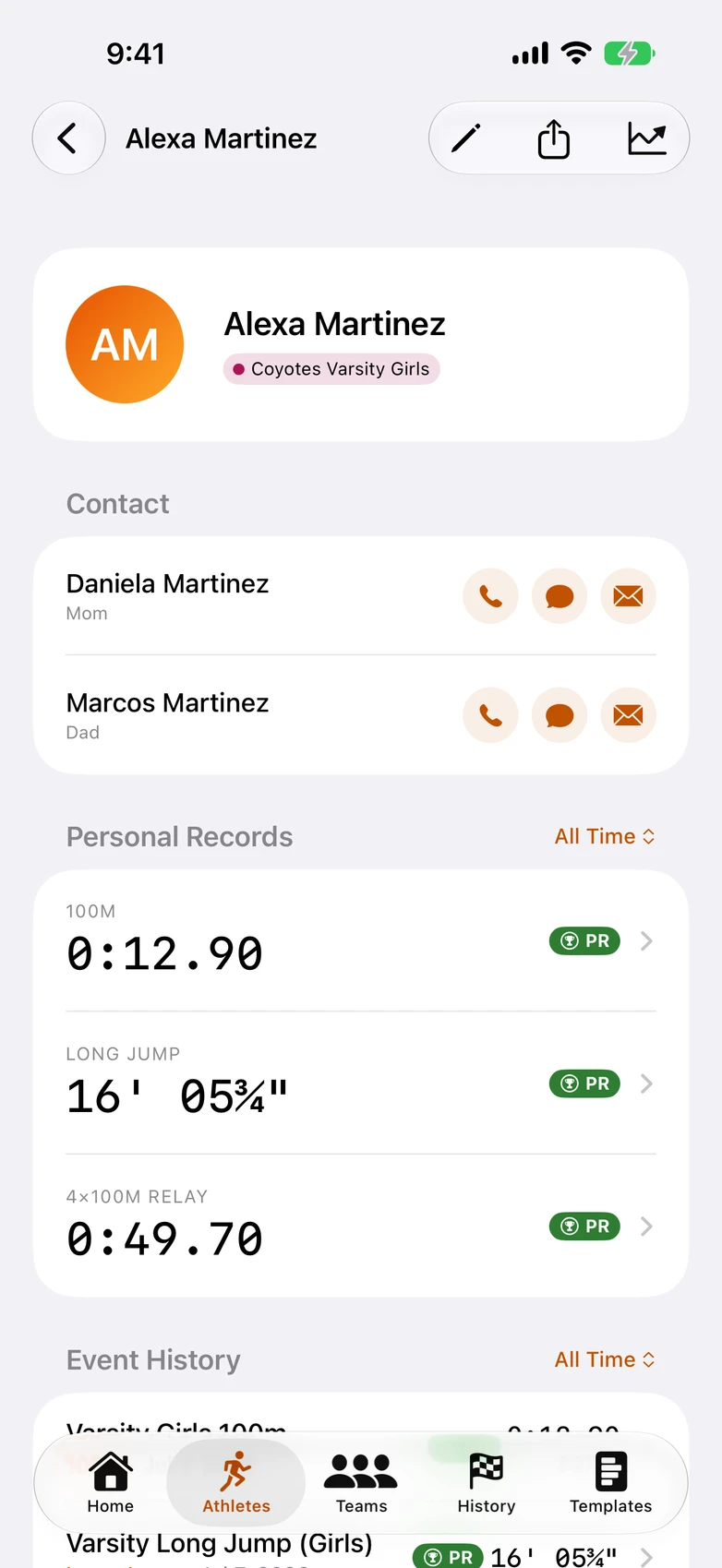
- Every athlete with photo, contact info, birthday, and full race history.
- Parent and guardian contacts
- Call, text, or email a parent straight from the athlete's page.
- Teams and squads
- Organize varsity and JV squads with team colors and logos.
- CSV roster import
- Bring your whole roster in from a spreadsheet in seconds.
- Season rollover
- Graduate seniors and roll to the new season without retyping anyone.
Meet day
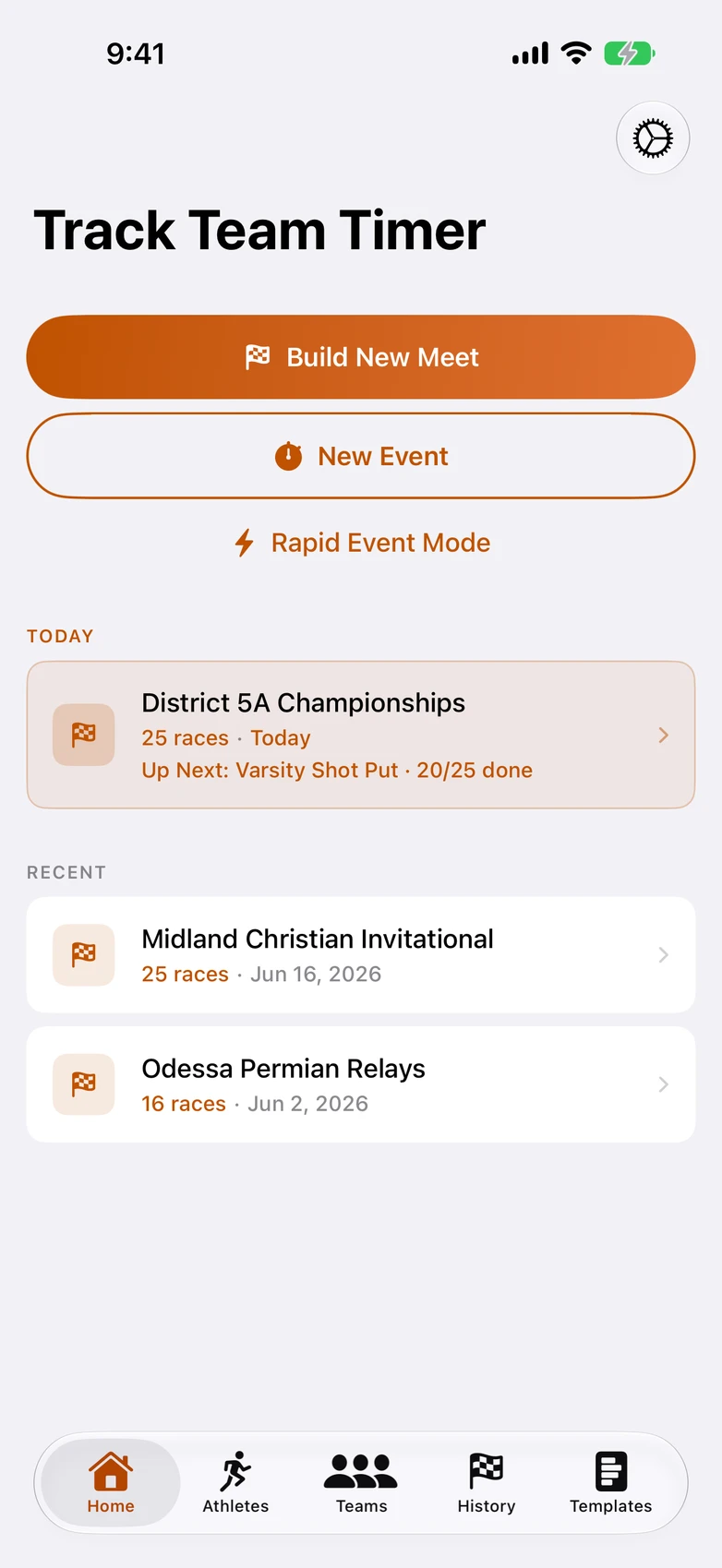
- Meet-day dashboard
- The whole meet at a glance — what's next, who's up, what's done.
- Meet templates
- Build your standard meet once, reuse it all season.
Results
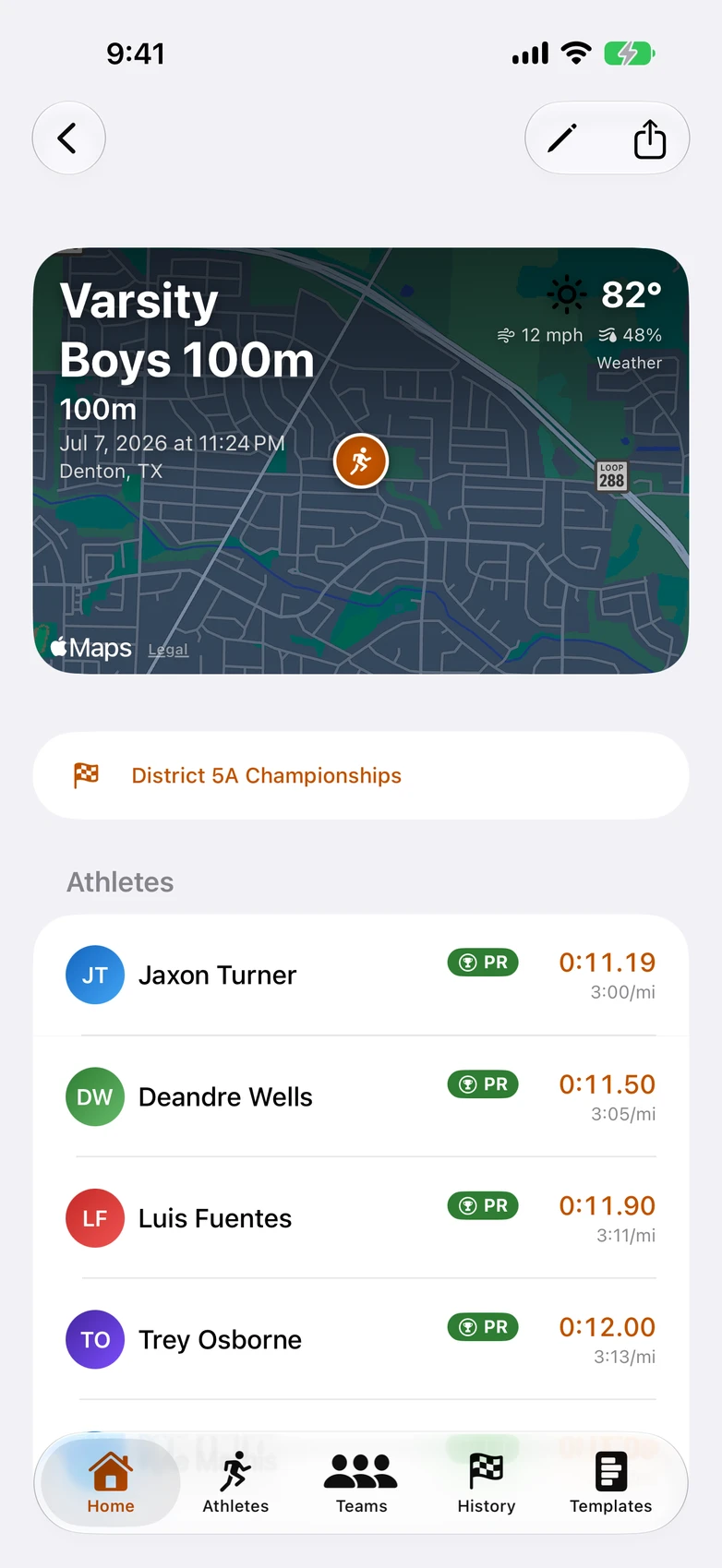
- PR and season-best tracking
- PRs and season bests badge automatically the moment they happen.
- Season Bests leaderboard
- Who's fastest in every event this season — one screen, whole program.
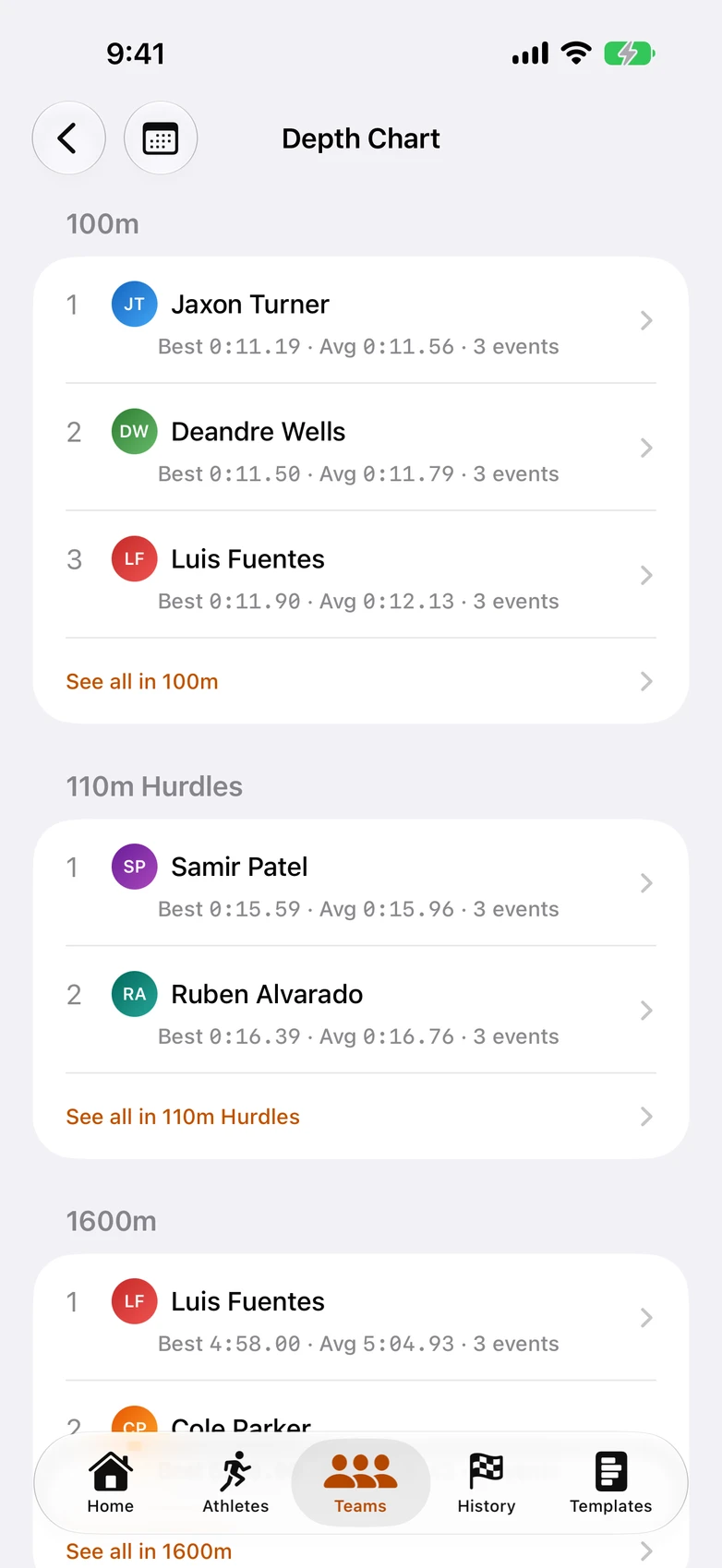
- Team Depth Chart
- Your lineup card: top three in every event your squad runs.
- Split breakdown
- See exactly where a race was won or lost, split by split.
- Progress charts
- Watch an athlete trend toward their goal across the season.
- Athlete comparison
- Put two athletes side by side, race by race.
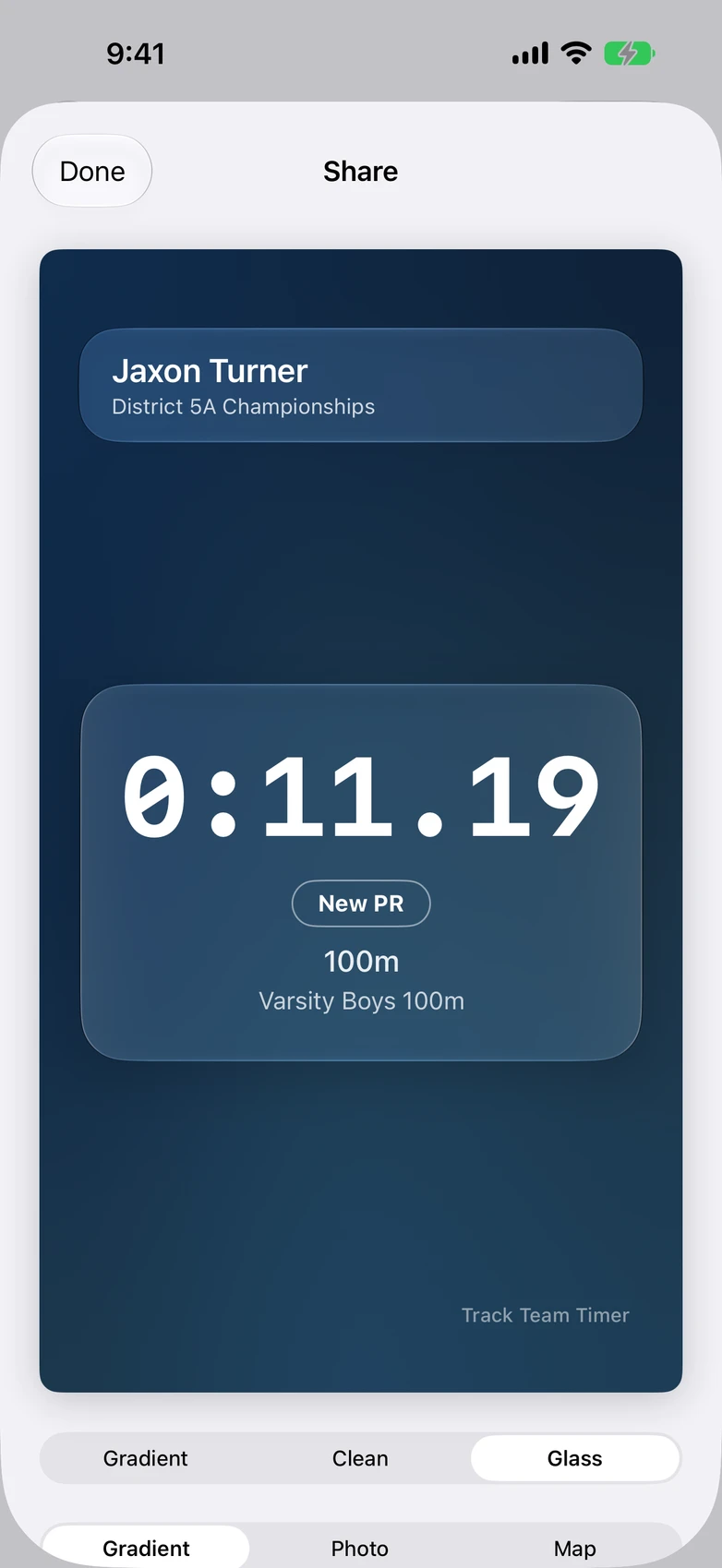
- Share cards
- Result cards with gradient, photo, or venue-map backgrounds — ready for the team group chat.
- CSV export
- Your data is yours — export results any time.
Frequently Asked Questions
Can I time multiple heats of the 100m?
Yes. Heat mode runs heats back-to-back into one combined leaderboard — no re-setup between heats.
Can it also track field events?
Yes — shot, discus, the jumps, and vault. Record every attempt, marks and fouls or O/X/Pass bar progressions, and rankings follow official countback rules.
Can it run a whole meet, track and field together?
Yes — the meet screen keeps every event in one place: what's up next, what's in progress, and what's done, even while you bounce between the track and the pits.
Does it handle relays?
Yes — relay timing with per-leg splits, plus a leaderboard of your fastest legs.
Who is Team Timer for — coaches or parents?
Both. A coach can chart several teams across the entire year — every athlete's splits, PRs, and season bests in one place — and a parent can track their own child's progress in each event, meet by meet. If it's your team you care about, this is built for you.
Does it work for club and youth teams?
Yes. Rosters, events, and meets are yours to set up — school teams, club programs, and youth leagues all work the same way.
Can I look up an athlete's PRs?
Yes. Every athlete has their own page — full race history, PRs, and season bests — ready the moment someone asks.
Can I enter times from a meet I didn't time in the app?
Yes. You can add results after the fact, and they count toward PRs and season bests like any other race.
How do I share results with parents and athletes?
One tap turns any result into a share card — a clean image with the time and splits, ready for the team group chat. Season stats share the same way from each athlete's page.
How do I get my roster in?
Import it from a spreadsheet as a CSV in seconds, or add athletes by hand. Next season, rollover graduates your seniors and moves everyone else forward — no retyping.
Does it work with no cell service?
Yes. Everything works offline — timing, results, rosters. Data syncs through iCloud whenever you're back in coverage.
How much does it cost?
The Coach Plan — unlimited athletes — is $59.99/year or $12.99/month. The Parent Plan — up to 4 athletes, for following your own kids — is $23.99/year or $4.99/month. Billed through the App Store (USD); auto-renews, cancel anytime in your App Store settings.