
For swimming & diving
Swim Team Timer
Heats, relays, and dive sheets.
A swim meet runs all day, from the 200 medley relay to the 500 free. Swim Team Timer puts each event's heats on one leaderboard and keeps relay legs straight. It scores diving too, with quick totals or full dive sheets.
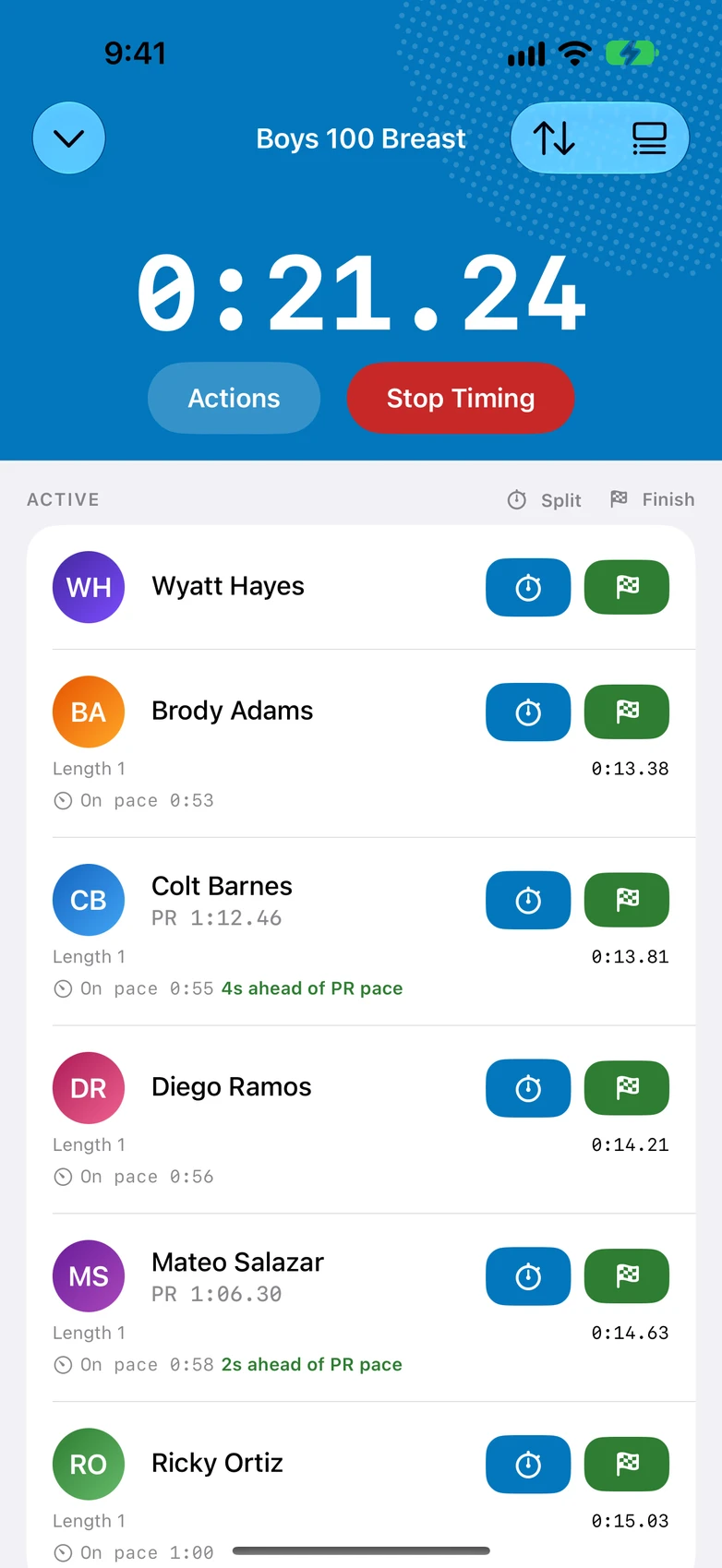

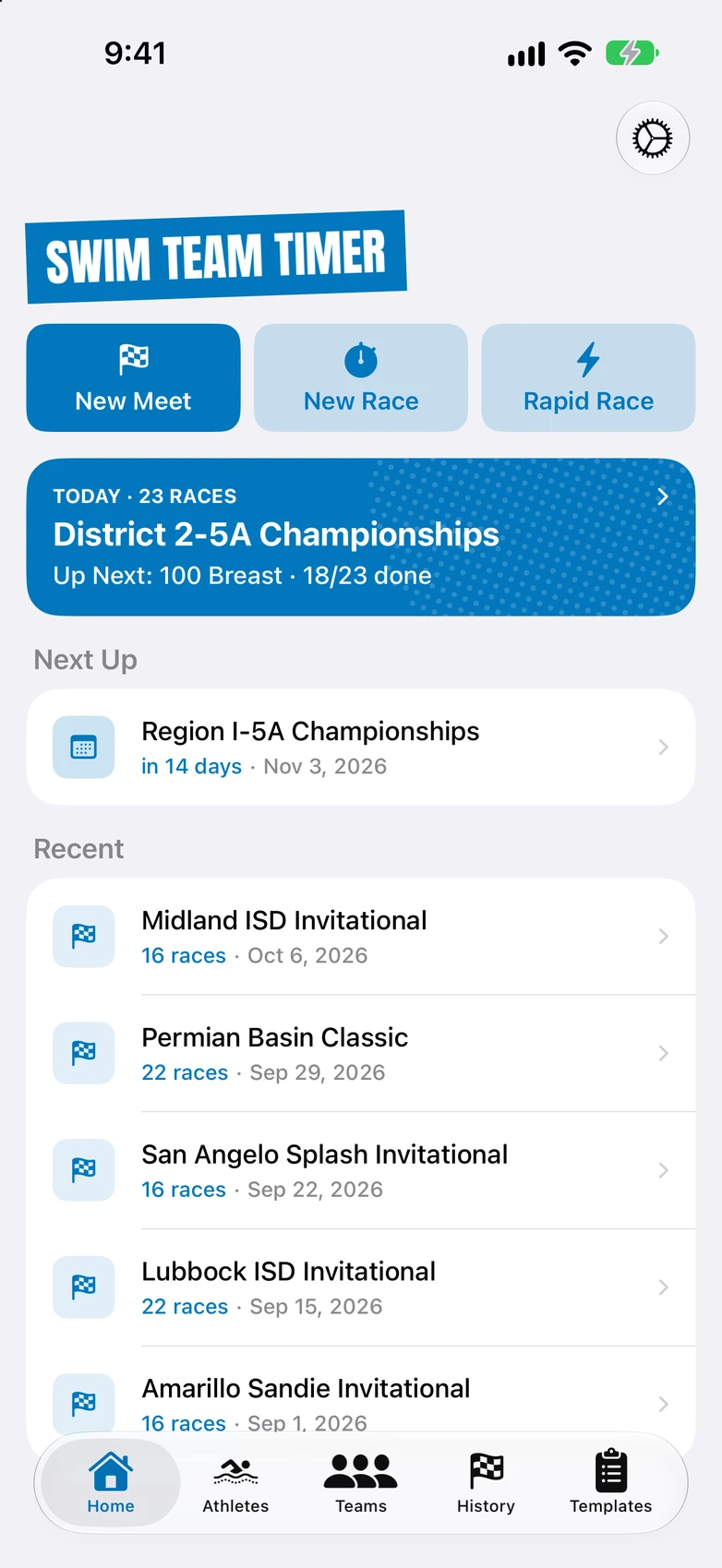
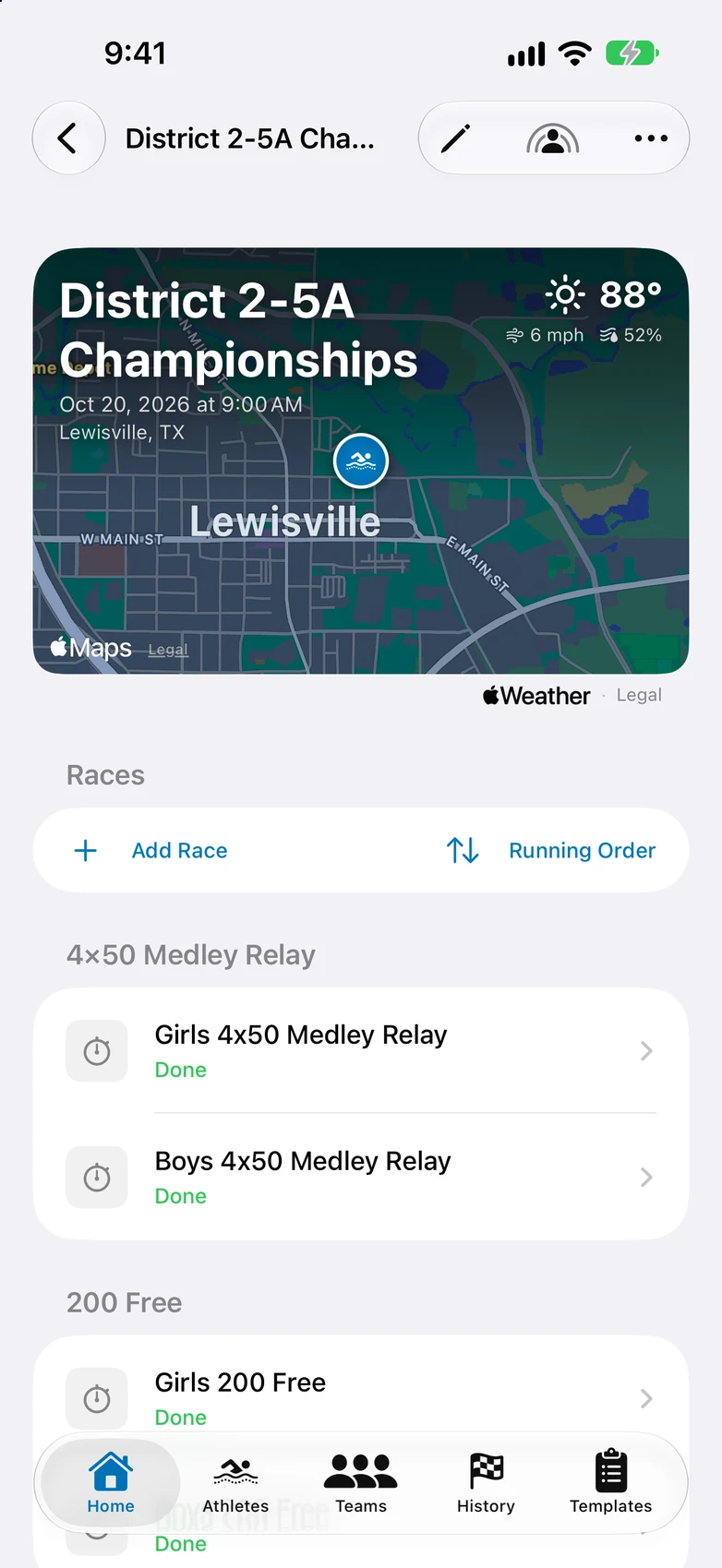
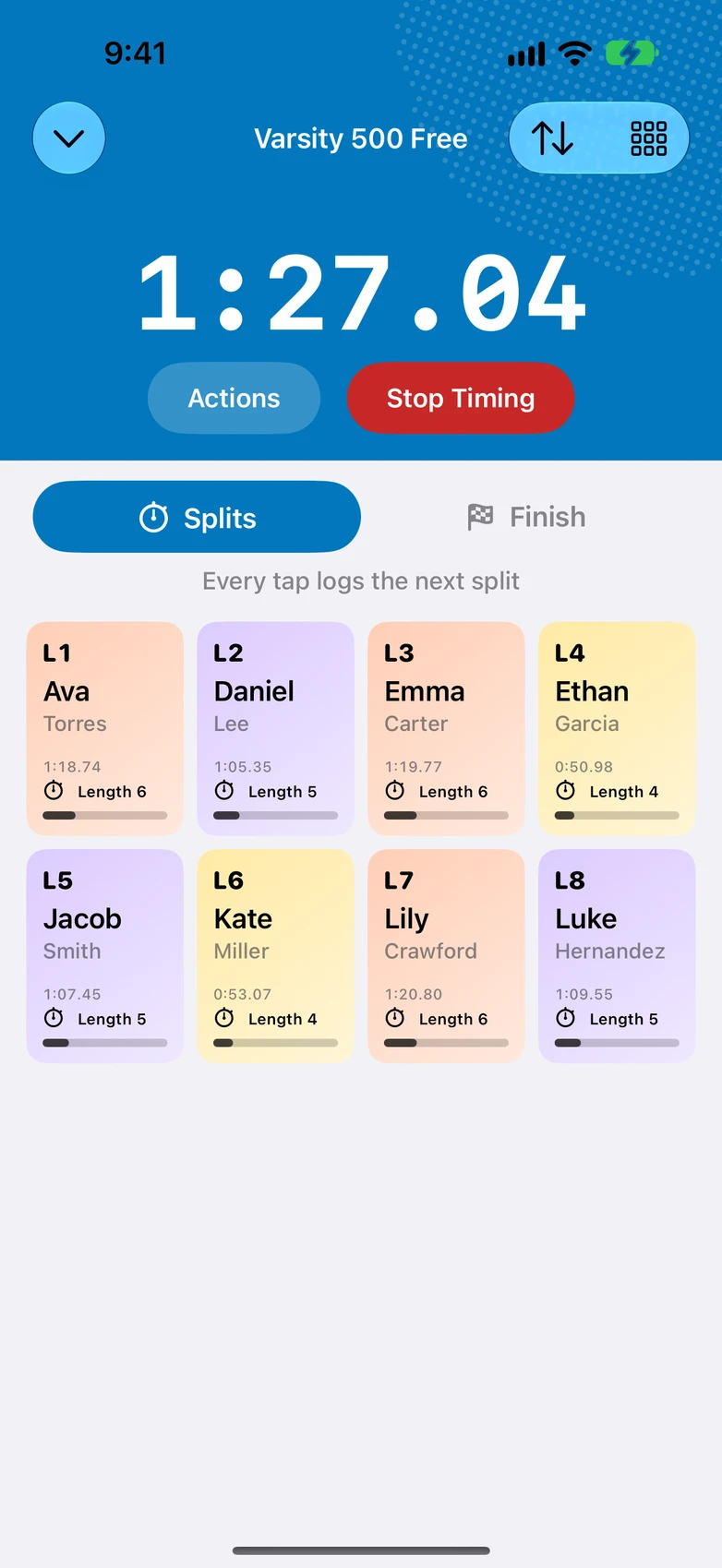
What it looks like
Timekeeper Mode
Get help timing.*
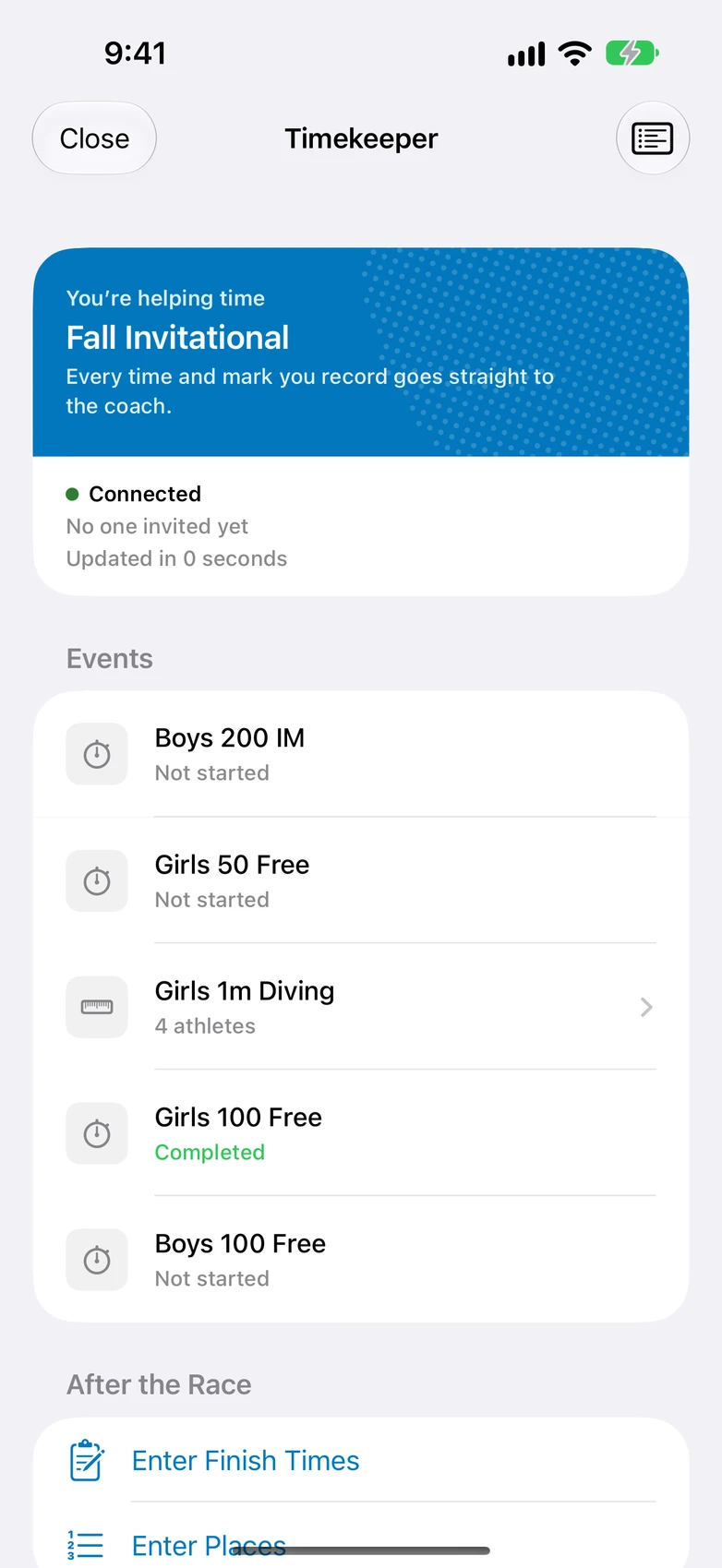
Put a timer at each lane end, the way swim meets already run. Every time they tap shows up in your results.
-
Invite helpers through iMessage
Parents and assistants join with one tap and time on the same screen you use. Everything they time goes into your results.
-
No subscription for helpers
Helpers only need to sign in with iCloud. Anyone with their own plan can save their athletes' results.
-
Needs an internet connection
Helpers' taps reach your phone live, so this part needs a connection. The rest of the app works with no signal.
*Timekeeper Mode is part of the Coach Plan. Helpers do not need a subscription.
Timing
-
Live race timer, per-athlete splits
Time a whole pack with one thumb. Each athlete gets their own splits.
-
Splits now, official times later
Take splits from the deck. When results post, type in the official times: 105.24 becomes 1:05.24.
-
Group start
One tap starts the clock for the whole race.
-
Bulk time entry
Enter results after the race when you weren't the one holding the watch.
-
Lock Screen Live Activity
The race clock stays on your Lock Screen while you time.
-
The timer survives interruptions
Take a call mid-race and your times are still there when you hang up.
Swimming & diving
-
Every pool size
25-yard pools by default, with 25-meter and 50-meter course configurations too.
-
Diving
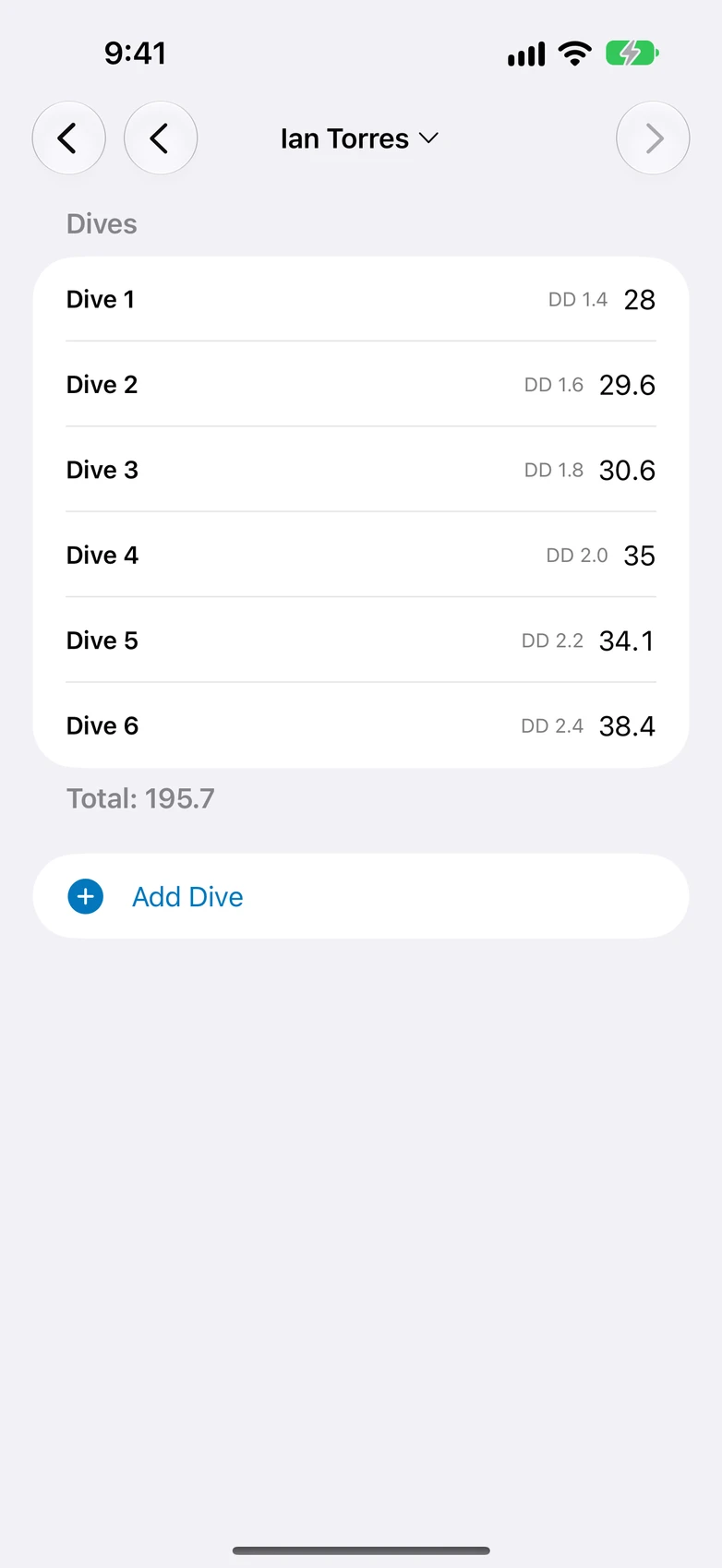
Score-only totals or full dive sheets with degree of difficulty and judge scoring.
-
Relays
Relay timing with per-leg splits and a relay-leg leaderboard.
-
Heat mode
Run heats back to back into one combined leaderboard without setting the race up again.
-
Standard meet order
One tap builds your standard meet in the usual event order.
Roster
-
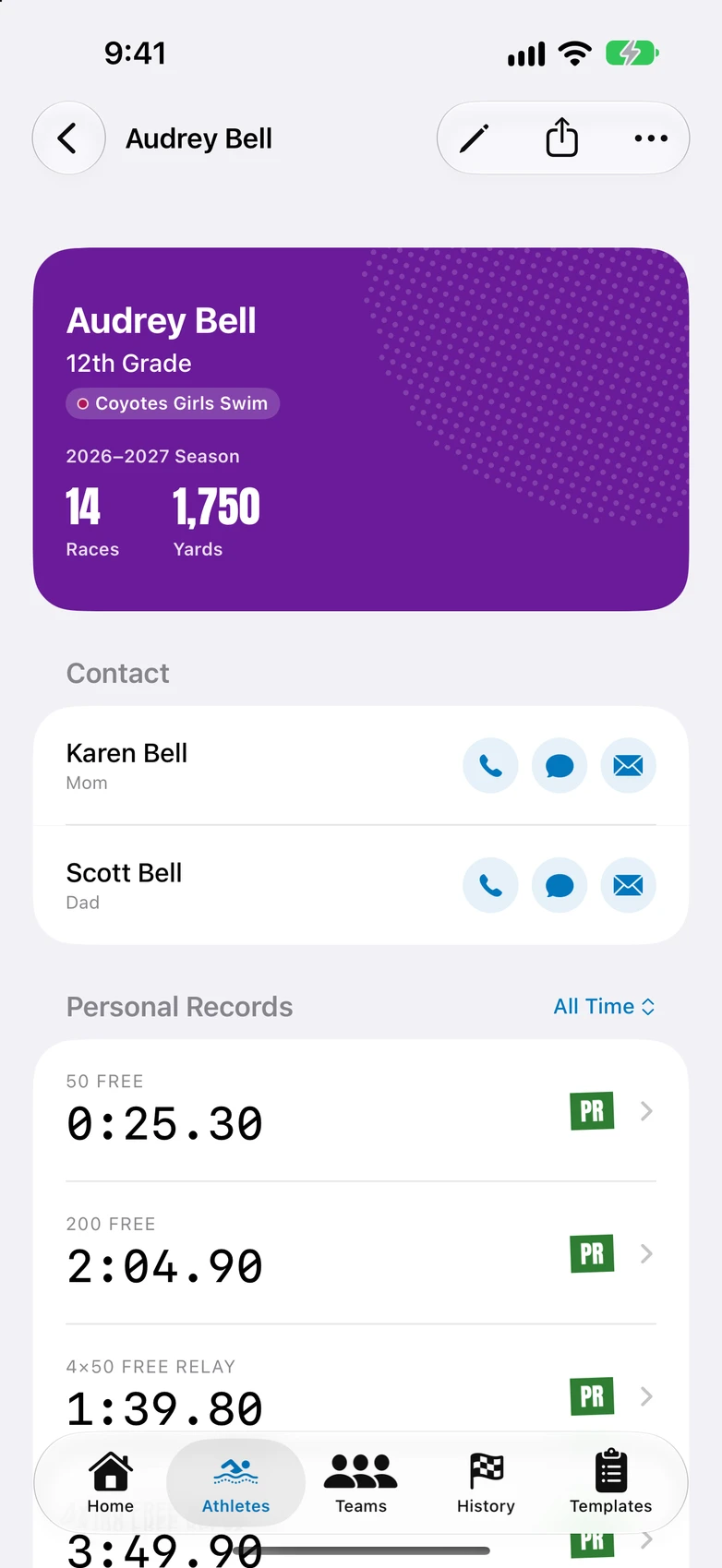
Athlete roster
Each athlete has a page with their photo, contact info, birthday, and race history.
-
Parent and guardian contacts
Call, text, or email a parent straight from the athlete's page.
-
Teams and squads
Organize varsity and JV squads with team colors and logos.
-
CSV roster import
Import your roster from a spreadsheet. A fill-in template is included.
-
Season rollover
Graduate seniors and roll to the new season without retyping anyone.
Meet day
-
Meet-day dashboard
One screen shows what's done, what's running, and what's up next.
-
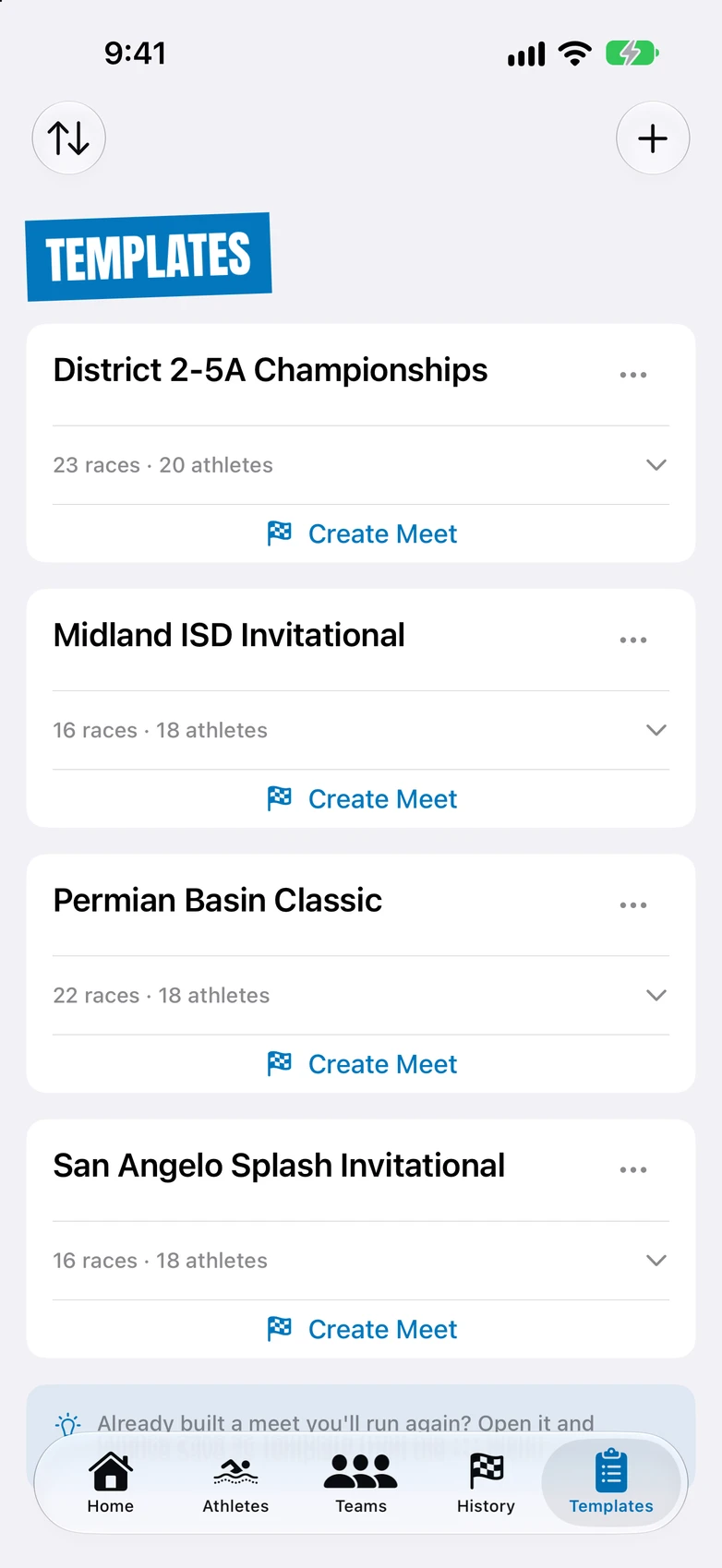
Meet templates
Build your standard meet once and reuse it all season.
Results
-
PR and season-best tracking
PRs and season bests are marked the moment they happen.
-
Season Bests leaderboard
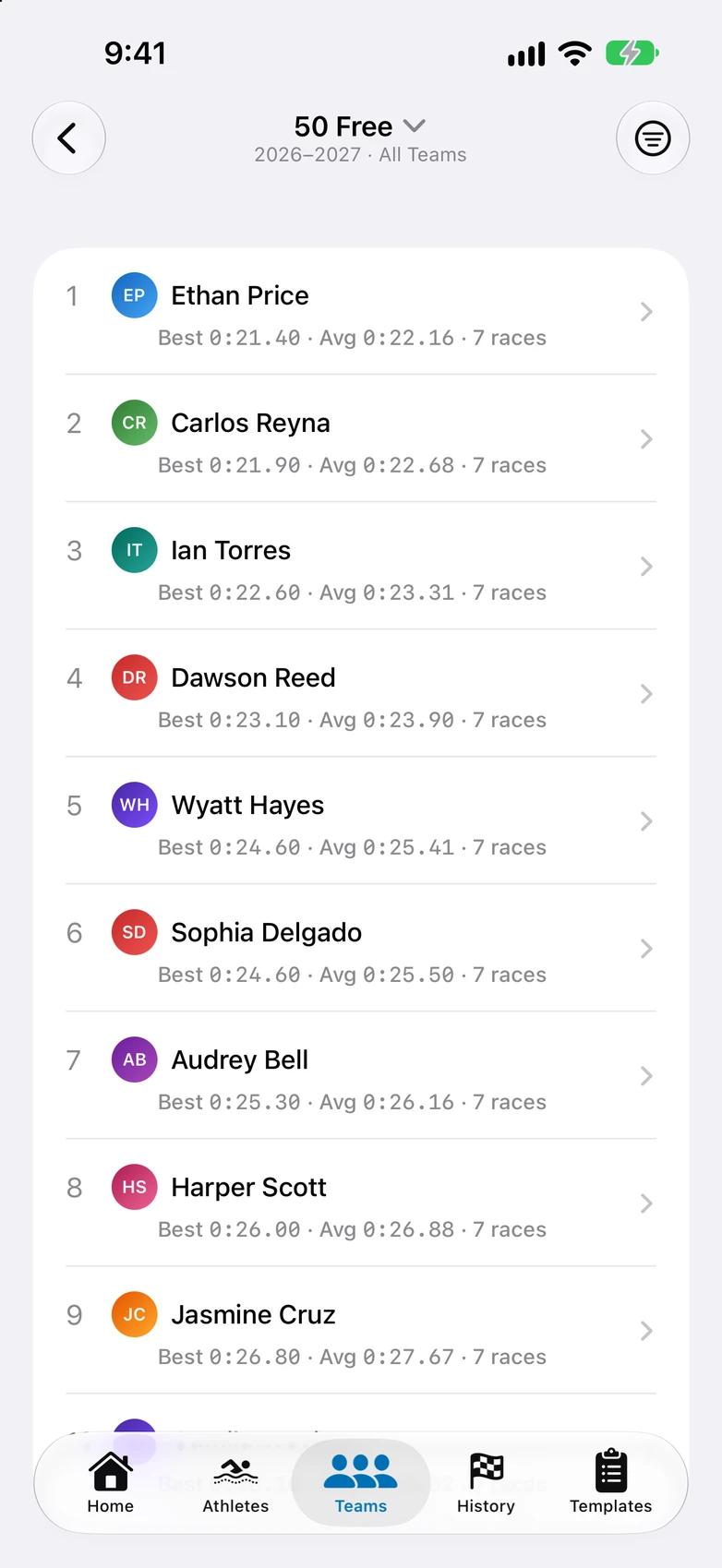
See who's fastest in every event this season across your whole program.
-
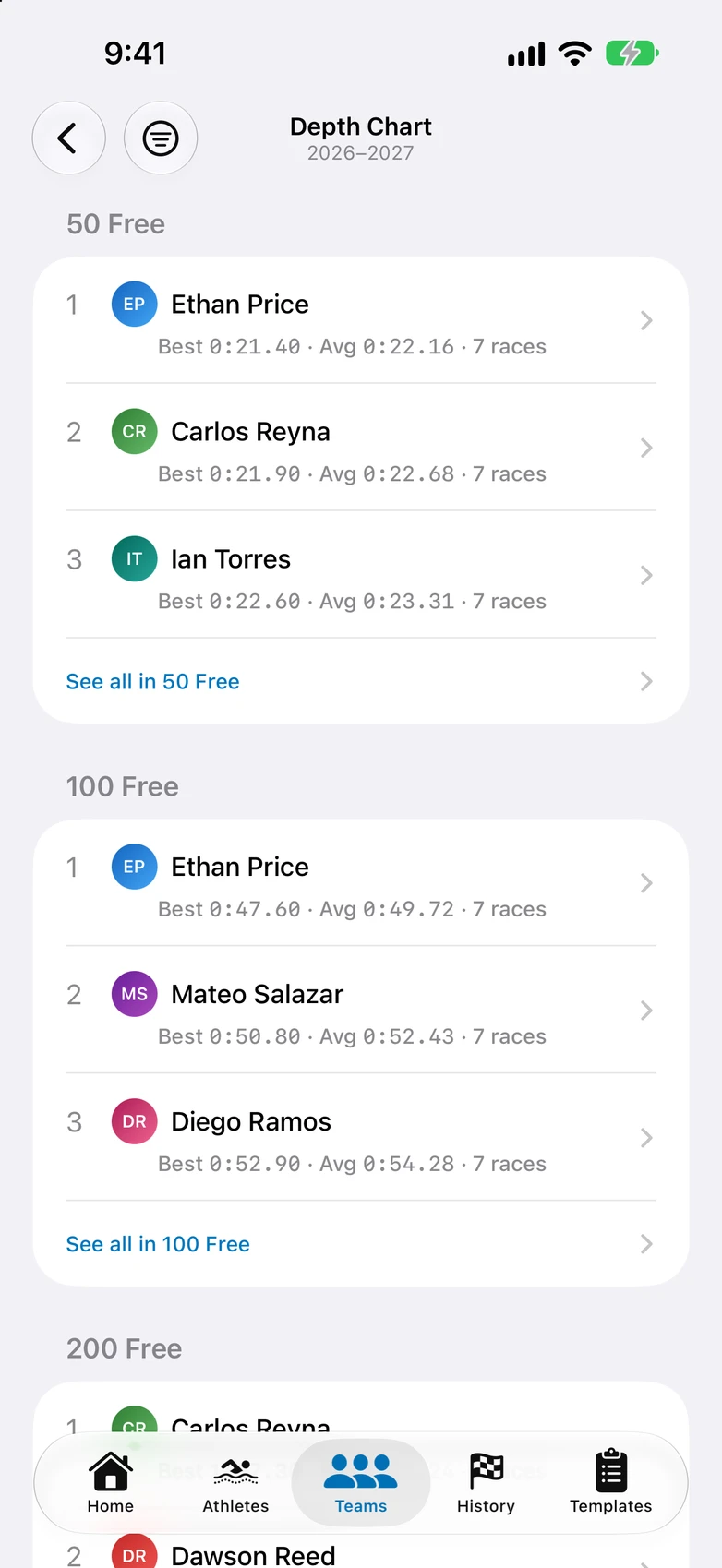
Team Depth Chart
Your lineup card: top three in every event your squad runs.
-
Split breakdown
See exactly where a race was won or lost, split by split.
-
Progress charts
Watch an athlete trend toward their goal across the season.
-
Athlete comparison
Put two athletes side by side, race by race.
-
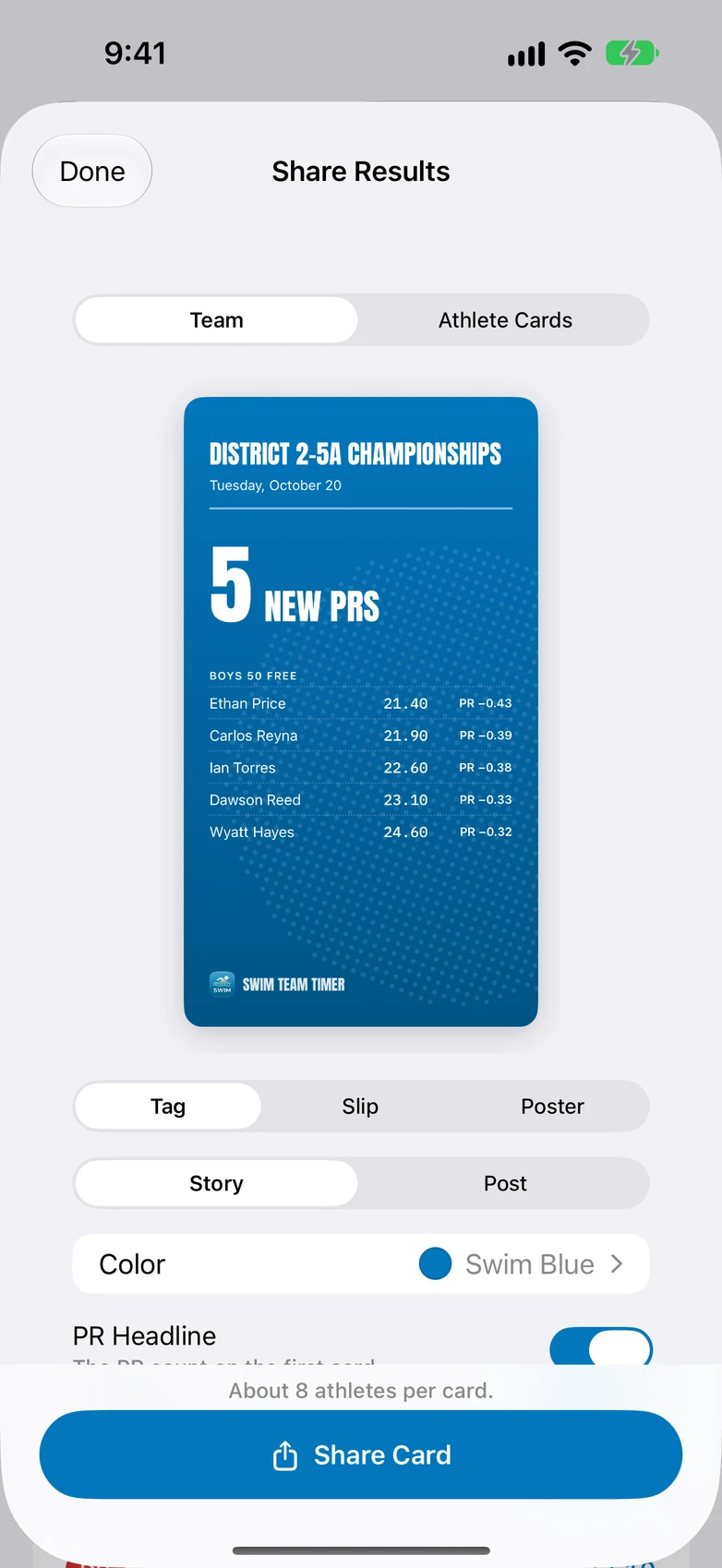
Share cards
Turn a result into an image with a gradient, photo, or venue map behind it and send it to the team group chat.
-
CSV export
Export your results to CSV whenever you want.
Frequently asked questions
What's a good app to time a swim meet with heats?
Swim Team Timer runs heats back to back from the deck into one combined leaderboard. Every swimmer gets their own time, and PRs are tracked automatically.
Can it also track diving?
Yes. Enter quick score totals or run full dive sheets with degree of difficulty and each judge's award, depending on what your meet needs.
Which pool sizes does it support?
25-yard pools are the default, and 25-meter and 50-meter courses work too.
What about relays?
Relays get a split for each leg, and a leaderboard ranks your fastest legs.
Can parents or assistants help time a meet?
Yes. Timekeeper Mode is part of the Coach Plan: invite parents and assistants through iMessage to help time races and record events, and everything they time lands in the coach's results. Helpers do not need a subscription to help. A helper who wants to save the times, marks, or splits to their own device needs their own subscription. Timekeeper Mode requires an internet connection.
Can I record splits during the race and add official finish times later?
Yes. Log your own finish times and update them once official results post, or end the race after your last split and type the finish times in later. Type the digits as printed; you can leave out the colon.
Who is Team Timer for, coaches or parents?
Both. A coach can follow several teams through the whole year, with every athlete's splits, PRs, and season bests in one place. A parent can follow their own child's progress in each event, meet by meet.
Does it work for club and youth teams?
Yes. You set up your own rosters, events, and meets, so school teams, club programs, and youth leagues all work the same way.
Can I look up an athlete's PRs?
Yes. Every athlete has a page with their race history, PRs, and season bests.
Can I enter times from a meet I didn't time in the app?
Yes. You can add results after the fact, and they count toward PRs and season bests like any other race.
How do I share results with parents and athletes?
One tap turns a result into an image with the time and splits, which you can send to the team group chat. Each athlete's page shares their season stats the same way.
How do I get my roster in?
Import a CSV from a spreadsheet or add athletes by hand. When the next season starts, rollover graduates your seniors and moves everyone else up, so you don't retype anyone.
Does it work with no cell service?
Yes. Timing, results, and rosters all work offline, and data syncs through iCloud once you're back in coverage. The one exception is Timekeeper Mode, which needs an internet connection to share a meet with helpers.
How much does it cost?
The Coach Plan covers unlimited athletes for $59.99/year or $12.99/month. The Parent Plan covers up to 4 athletes, for following your own kids, at $23.99/year or $4.99/month. Those are US prices. In other countries, Apple sets the price in your local currency and shows it before you buy. Plans auto-renew, and you can cancel anytime in your App Store settings.